Mycelka CS Start for free
Features

Everything for your project on one canvas

Notes, maps, diagrams, websites, PDFs and tasks. The canvas never ends, so you never run out of space.

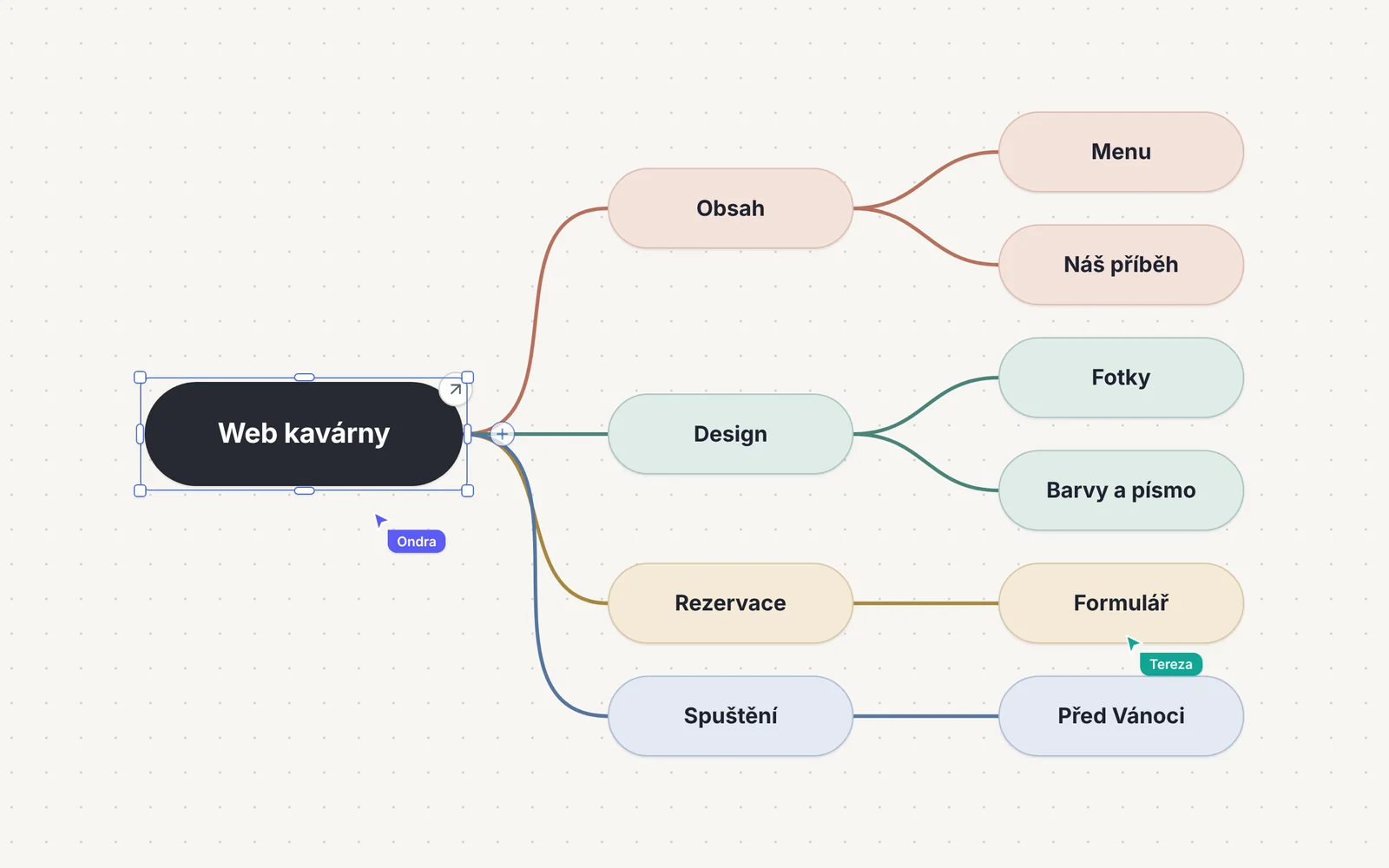
Mind map for a café website with branches Content, Design, Booking and Launch

Sticky notes and mind maps

Write notes straight onto the canvas. Press Tab to add a branch and let Tidy up map arrange it for you.
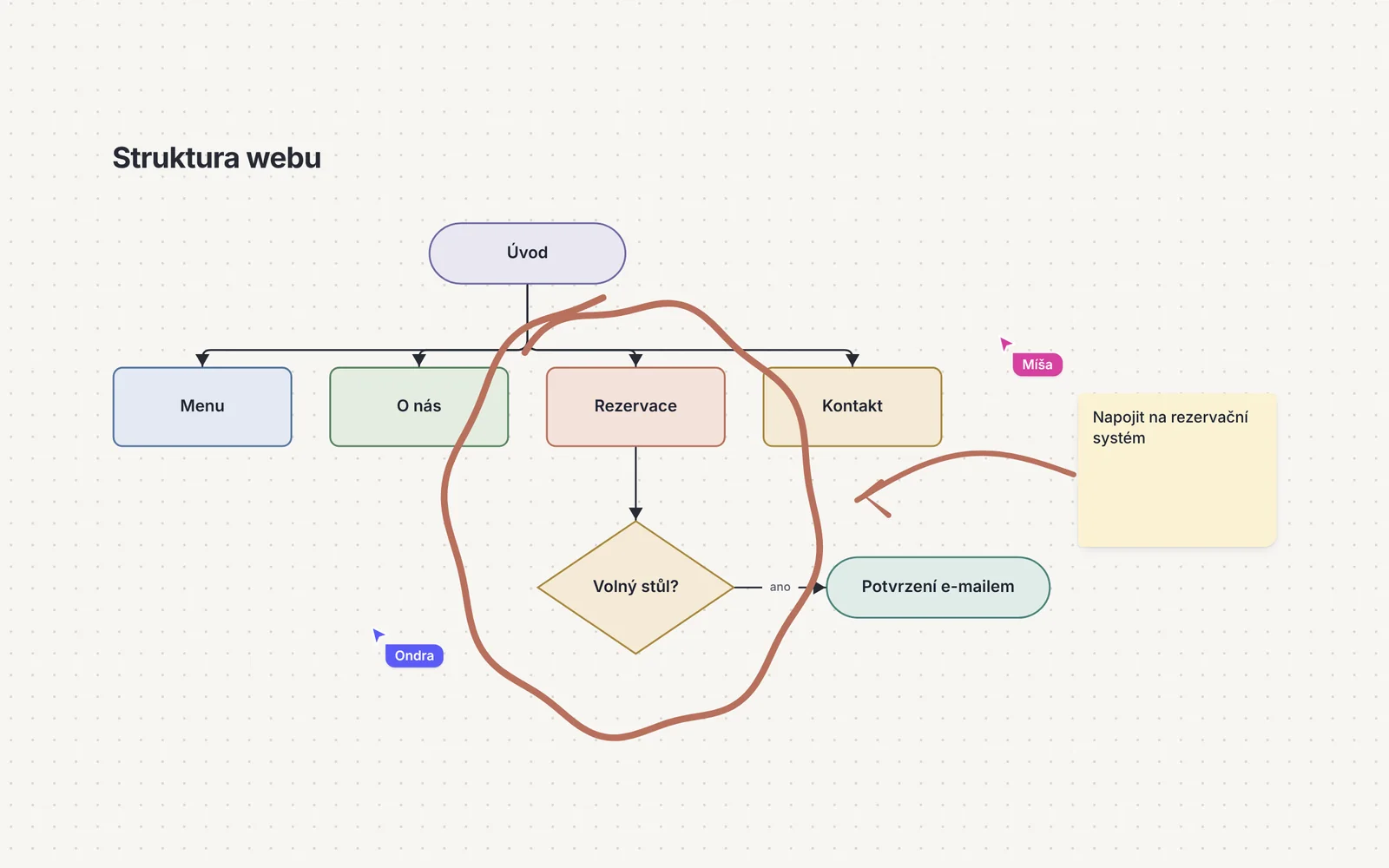
Website structure built from shapes connected with arrows

Shapes and smart arrows

Arrows stick to objects, so diagrams stay connected however you rearrange them. Shapes take labels and ten typefaces.
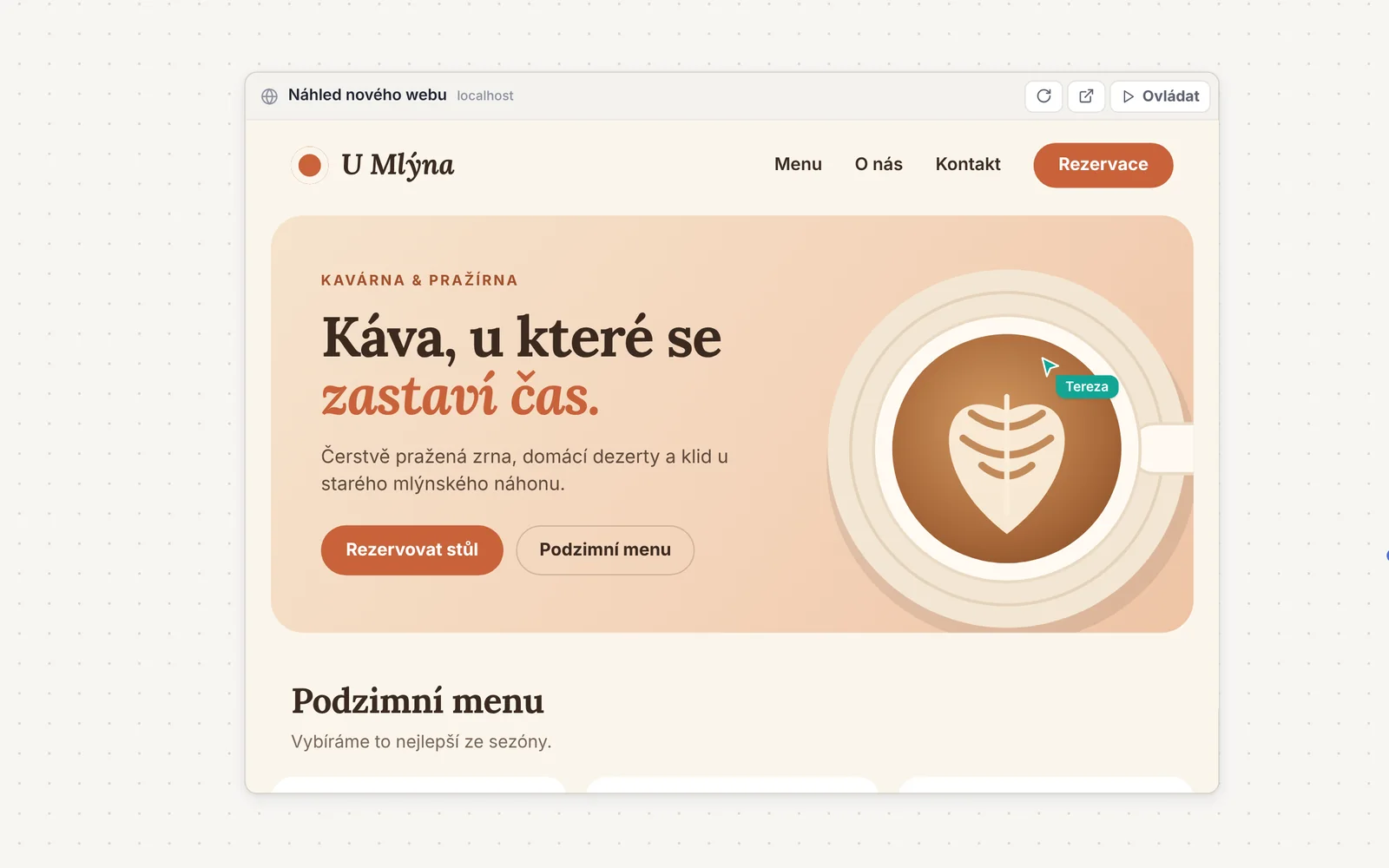
Live café website embedded on the canvas

Live websites on the canvas

Paste a link and the page runs right on the canvas. Scroll and click through it without leaving the board.
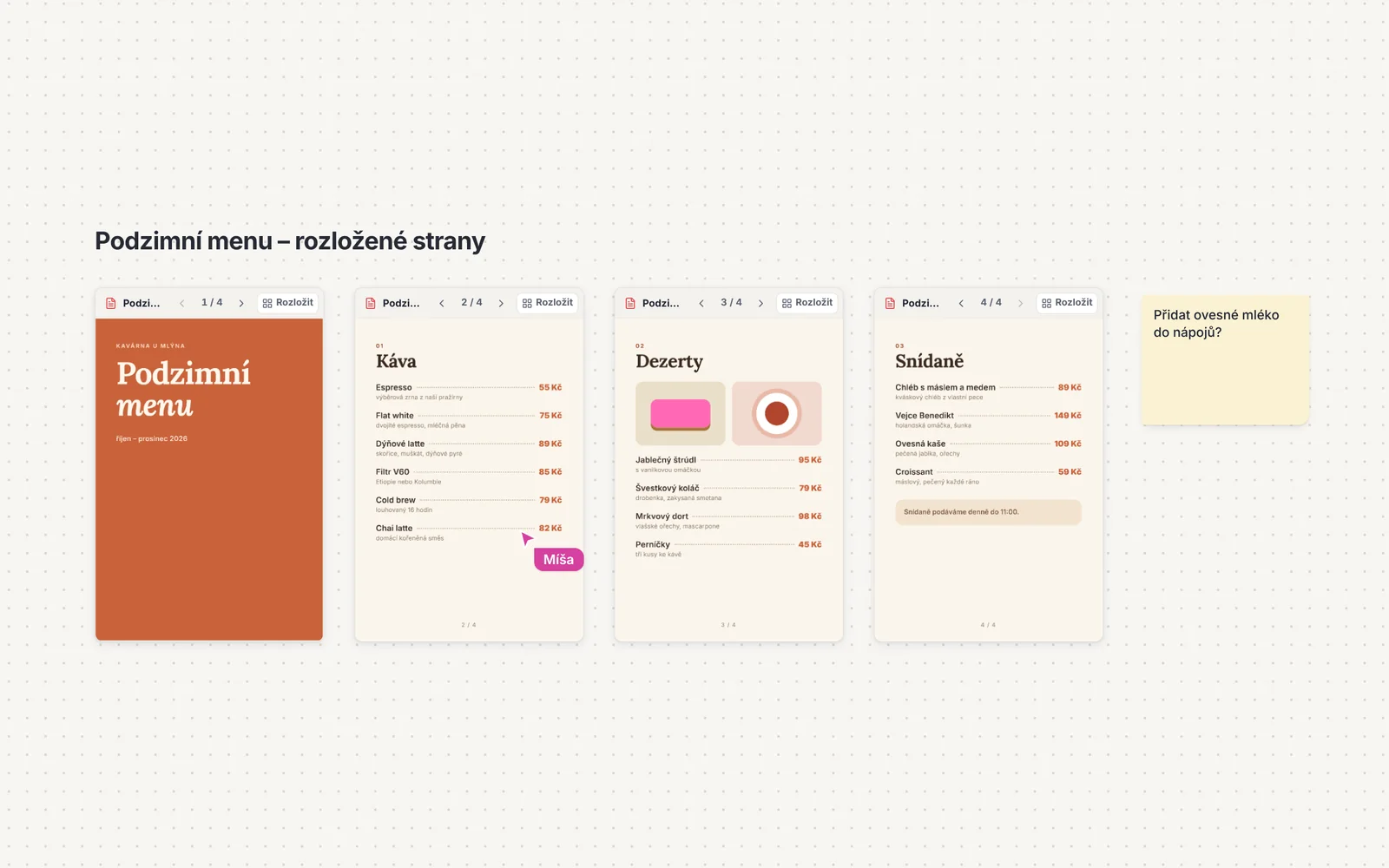
Menu PDF laid out page by page on the canvas

PDFs you can flip through

Turn pages with the arrows and everyone sees the same page. Or lay the document out page by page with one click.
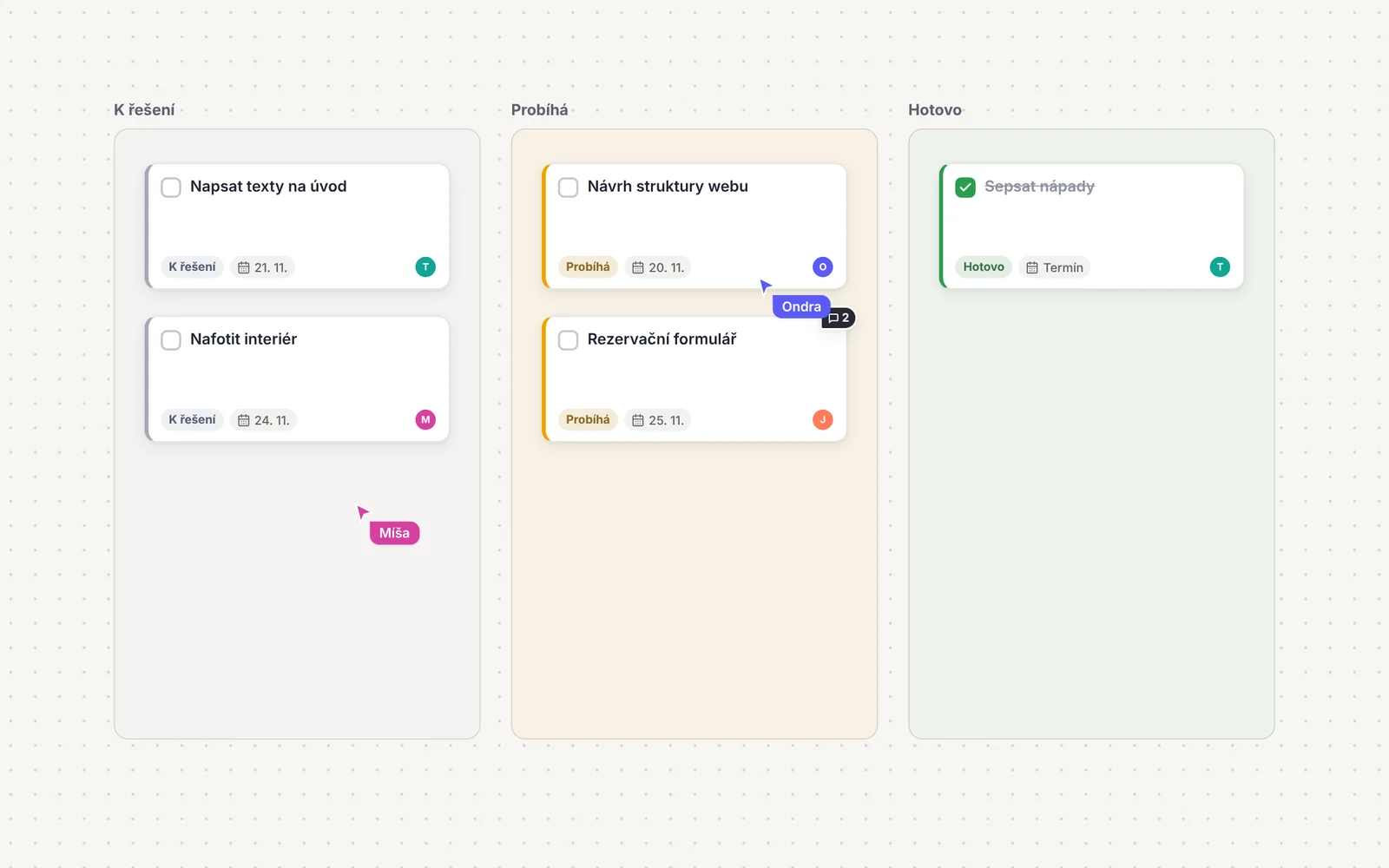
Tasks in To do, In progress and Done columns

Tasks with owners and due dates

Turn a note into a task in two clicks. See every task in the project as a list or a Kanban board.
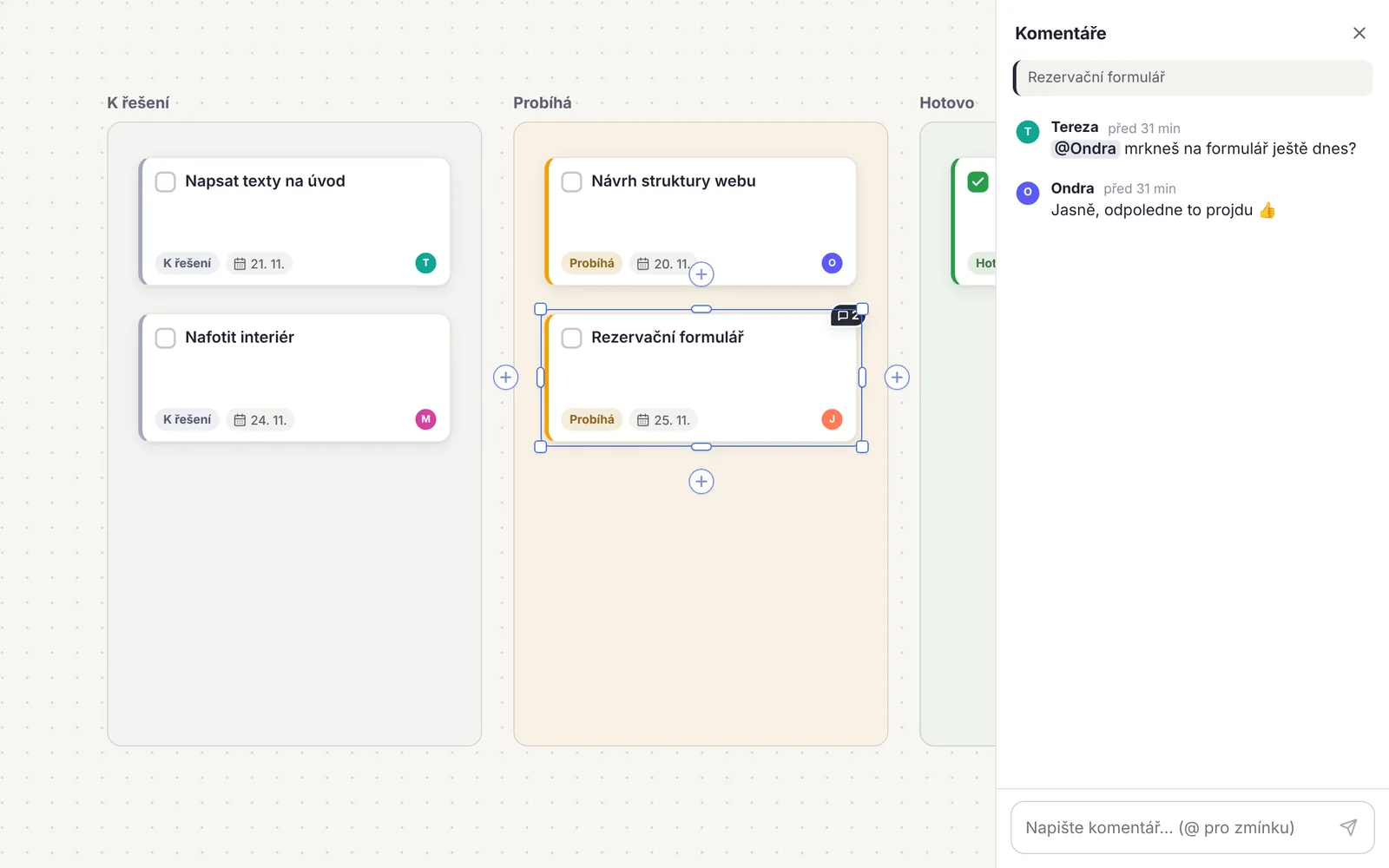
Comments panel with a mention of a teammate

Comments and mentions

Start a thread on any object. Whoever you mention is notified the moment you send it.

And there is more on the canvas

  • Pen and highlighter
  • Images and videos
  • Upload a whole folder
  • 12 templates: brainstorming, retro, kanban, SWOT and more
  • Dot voting
  • Laser pointer
  • Canvas version history
  • Dark mode
  • Export to PDF
  • Presentation mode by section
  • Shared timer
  • Search the whole project (⌘K)
  • Emoji reactions
  • Undo and a restorable bin
  • Export canvas as PNG
  • Full project backup
  • Touch controls on phones
Live collaboration

See who is working on what

Changes show up for everyone instantly. No saving, no sending new versions.

  • TLive cursors with names. You know who is on the canvas and where they are looking.
  • OFollow a teammate. Click their avatar and the canvas follows them.
  • MOffline change queue. If the connection drops, your work is sent as soon as it is back.
The whole project canvas
The whole project canvas with ideas, a mind map, website structure, materials and tasks

Start with your first sticky note.

Create a project, invite others with a link and have a shared canvas in minutes.

Start for free